
Configuration (materials, machines, organization)
Update pricing inputs, service catalogs, and customer-facing branding.
Configuration is where you manage the inputs that affect pricing and the customer experience.
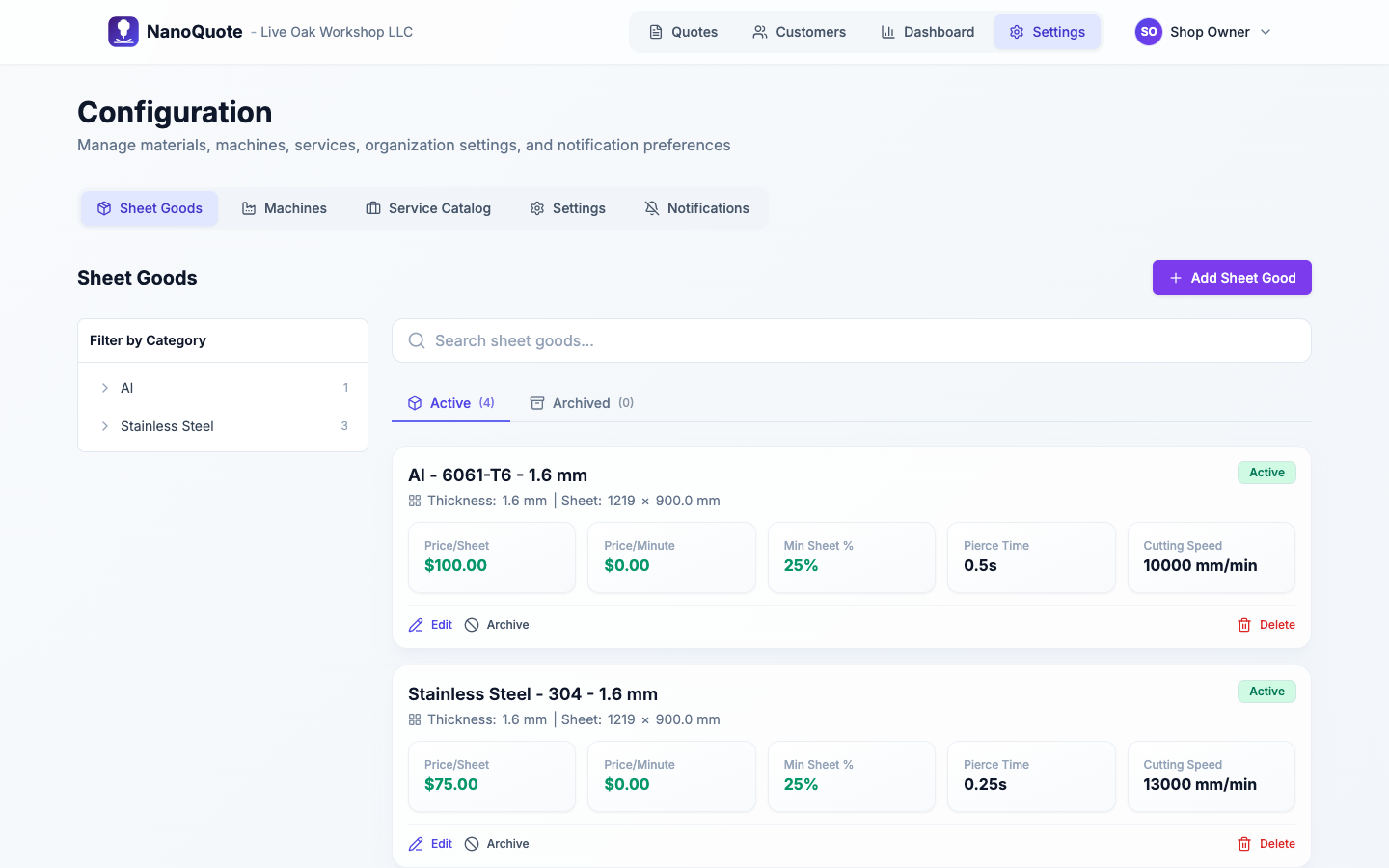
Where to find configuration
Open Settings → Configuration.
Tabs include:
- Sheet Goods (materials)
- Machines
- Service Catalog
- Settings (organization, branding, terms, members, subscription, privacy)
- Notifications
Core setup areas
For deeper guides on the most-used configuration areas:
Organization settings and branding
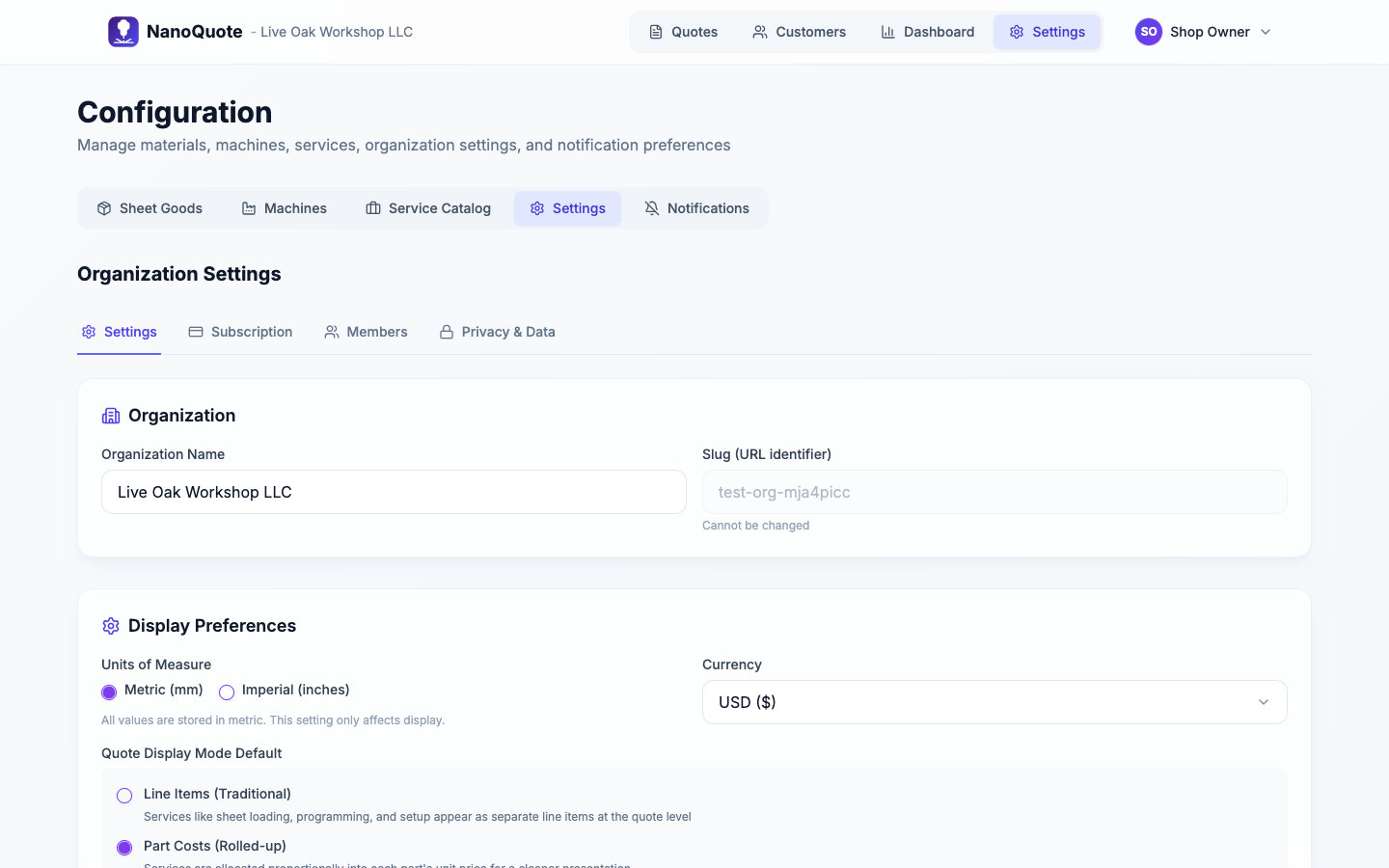
Common settings:
- Display units, currency, tax rate
- Baseline operator rate
- Default terms and quote validity days
- Default Quote display mode (Line items vs Part costs) for customer-facing quotes
- Quote branding (logo and colors)
- Member management and billing/subscription
Shop minimum
Enable a shop minimum to ensure all quotes meet a minimum order value:
- Enable Shop Minimum: toggle on to activate the minimum order requirement
- Minimum Amount: the minimum total a quote must reach before tax
How shop minimum works:
- If a quote's subtotal (parts + services + shipping - discounts) is below the minimum, a "Shop Minimum Adjustment" line is automatically added
- The adjustment brings the pre-tax total up to your configured minimum
- Customers see this as a clear line item on their quote
- The shop minimum is calculated before tax is applied
Example: With a $150 shop minimum, a quote totaling $120 will have a $30 "Shop Minimum Adjustment" added, bringing the pre-tax total to $150.
Privacy & Data
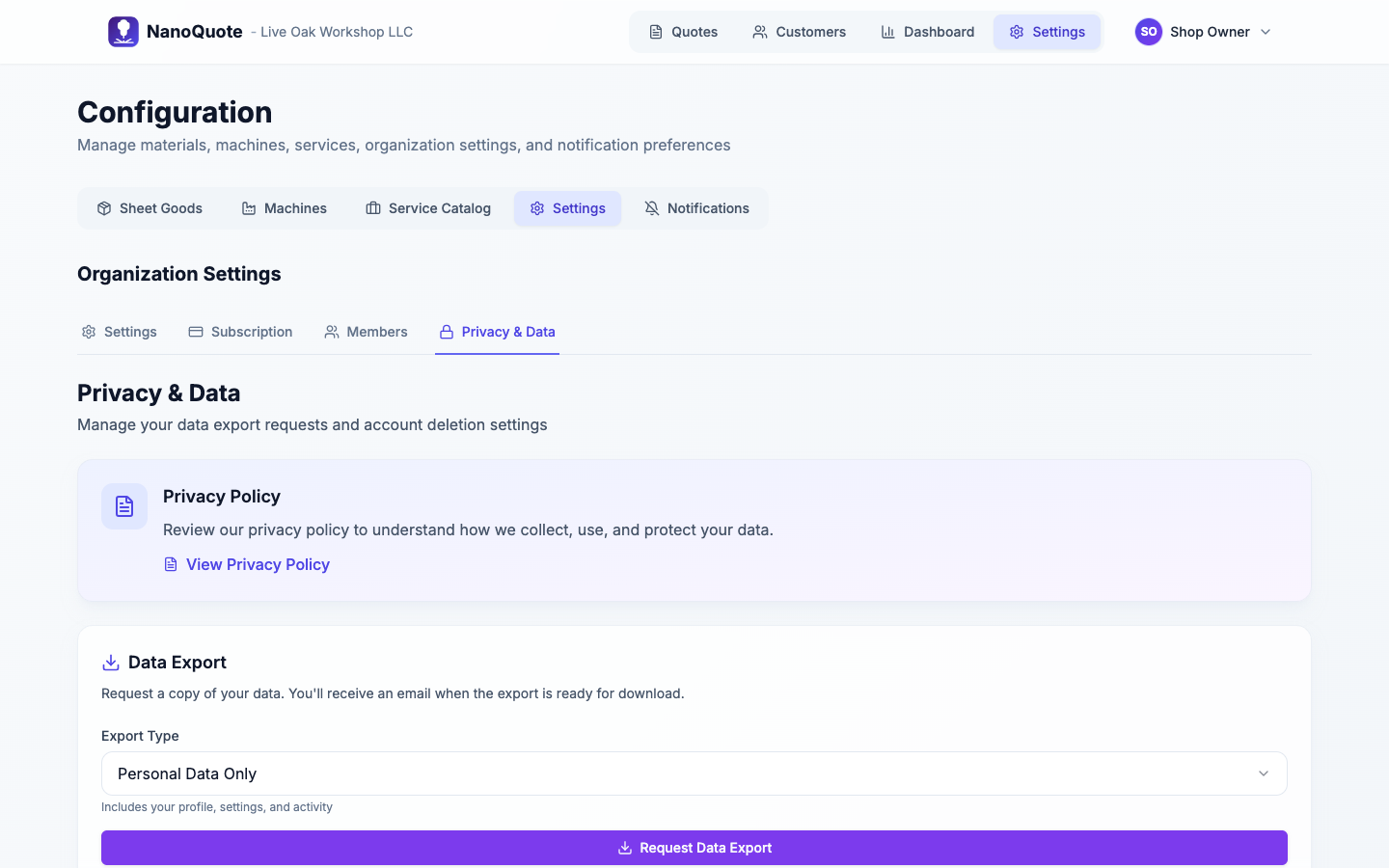
Find this tab under Settings -> Configuration -> Settings -> Privacy & Data.
Use Privacy & Data to manage:
- Data exports: request a personal export (everyone) or full organization export (owners/admins).
- Account deletion: schedule deletion with a 14-day cancellation window.
- Organization deletion (owners/admins): schedule full org deletion with a 14-day cancellation window.
How changes affect existing quotes
Changing machines or materials can make old quotes "out of date" relative to current pricing inputs.
If you see warnings about outdated configuration:
- Review the quote.
- Recalculate pricing if needed.
- Re-run nesting if you changed parts/materials.