
Machines
Set machine capacity, setup time, rapid speed, and operating rate.
Machines determine capacity checks and machine-time costs (cutting + rapid moves), plus fixed setup fees.
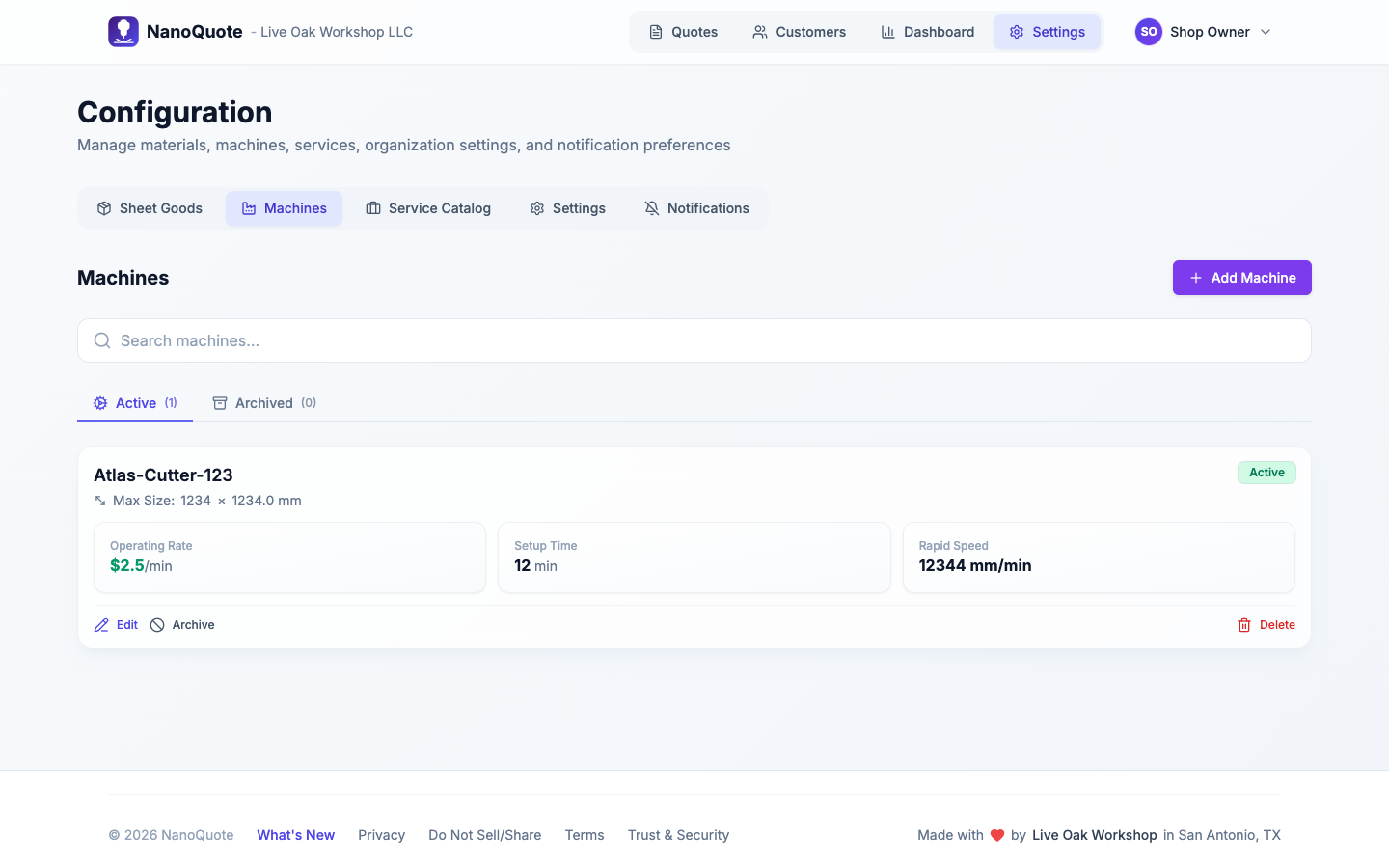
Where to find machines
Open Settings → Configuration → Machines.
Add or edit a machine
Select Add Machine (or Edit) to open the full-page machine editor.
Key fields:
- Max sheet width/height: used to flag oversized parts and sheet fit issues.
- Operating rate per minute: cost applied to estimated machine time.
- Setup time: fixed minutes added once per machine used in a quote.
- Rapid speed (optional): used to estimate non-cutting travel time.
How machines affect quotes
- Capacity warnings: parts that exceed machine limits get flagged.
- Setup fees: setup time is billed once per machine, based on operator rate and/or service rules.
- Machine totals: cut length and pierce counts from geometry combine with cut speed and pierce time to estimate machine time.
- Multi-machine compatibility: in multi-machine setups, materials can be enabled/disabled per machine.
Related: