
Getting started
Quick orientation and first quote checklist.
NanoQuote helps small fabrication and fiber laser cutting shops create consistent quotes from drawing files (DXF) and share them with customers.
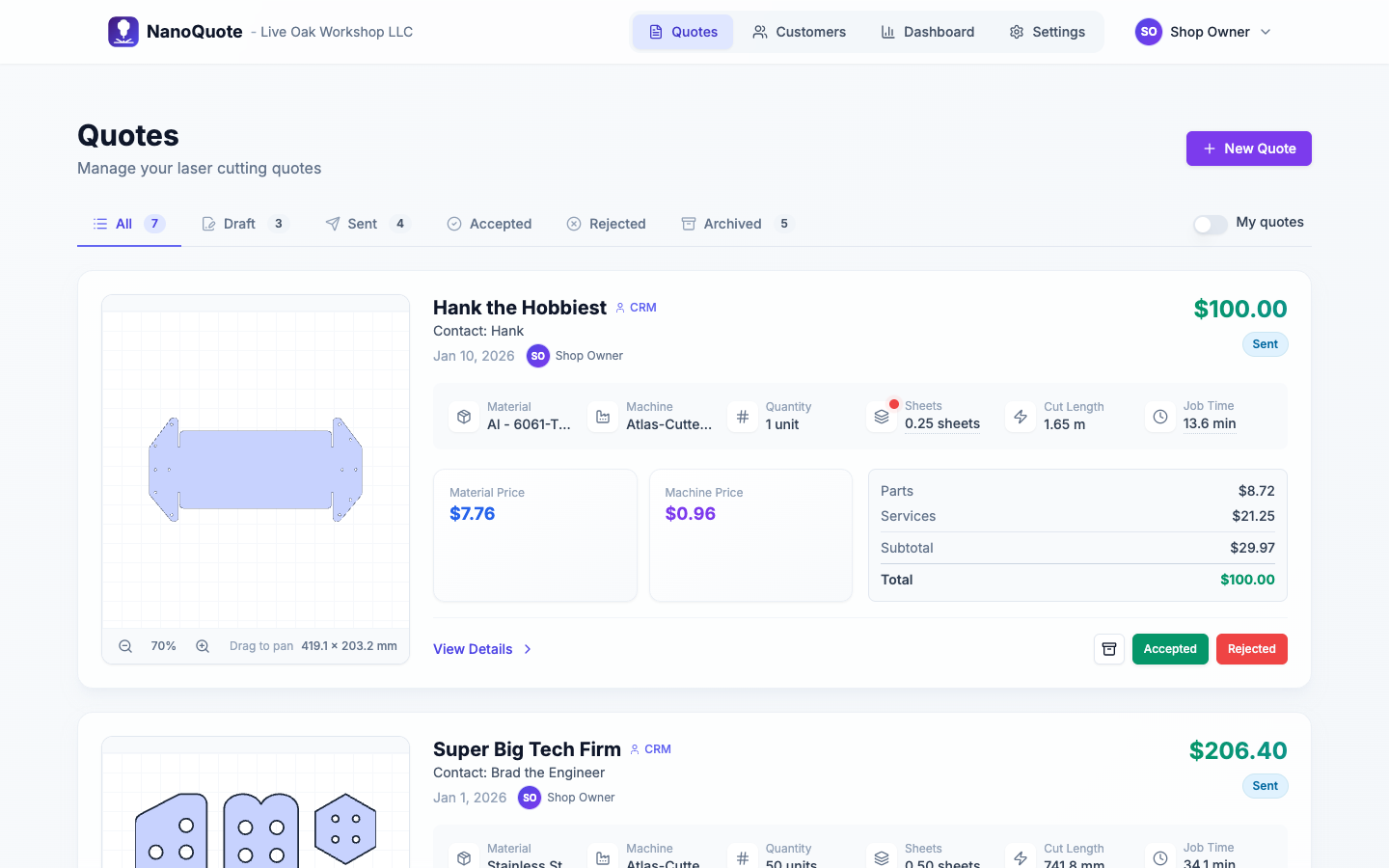
Quick start
- Finish onboarding: set display units, operator rate, machines, and sheet goods.
- Add customers and contacts (optional but recommended).
- Create a quote by uploading DXF files.
- Review parts, services, nesting, tax/shipping, and totals.
- Send the quote and share the customer link.
- Track status from draft to sent to accepted/rejected, and archive when needed.
Where to find help
- In the app header, select Help.
- Keyboard shortcut: press
?to open help,Escto close. - Public help page:
/help.
Key concepts
- Quote: the full estimate you send to a customer.
- Part line item: a cut part generated from a file or layer.
- Service line item: labor, setup, handling, shipping, or other charges.
- Material (sheet goods): sheet size, cost, cut speed, and pierce time.
- Machine: max sheet size, setup time, operating rate, and rapid speed.
- Nesting: a sheet utilization preview used to sanity-check sheet usage and handling fees.
First quote checklist
- Confirm display units (imperial vs metric).
- Add at least one Machine and one Sheet Goods entry.
- Upload a DXF and verify the preview looks correct.
- Check quantities and confirm part sizes look reasonable.
- Confirm tax, shipping, and terms before sending.
Next: Onboarding & setup