
Customers and contacts
Manage customer records, contacts, and customer-specific terms.
Customers help you organize quotes, store contacts, and apply customer-specific terms.
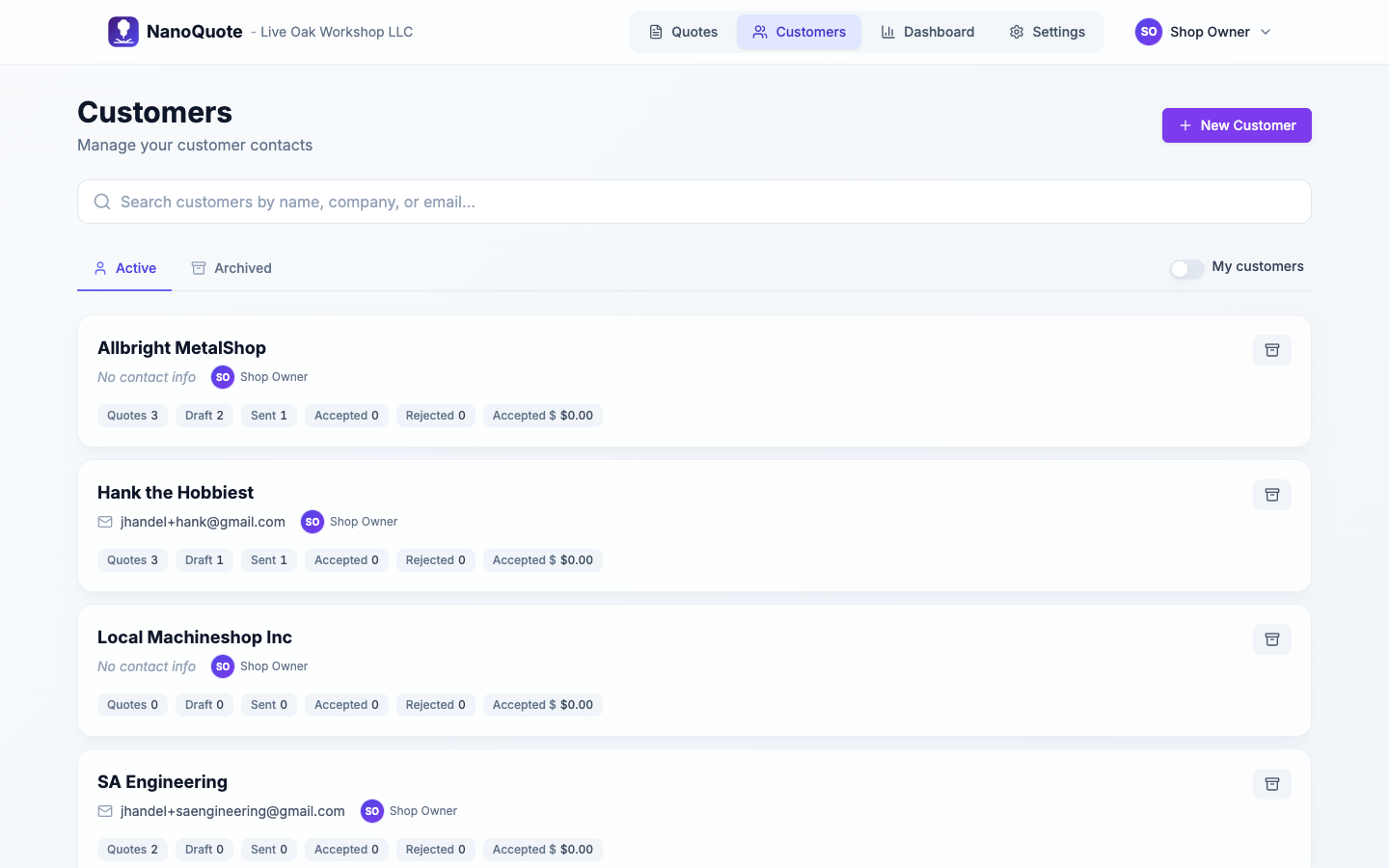
Customers list
- Search by name, company, or email.
- Use Active and Archived tabs to filter.
- My customers shows only customers you own.
Customer detail
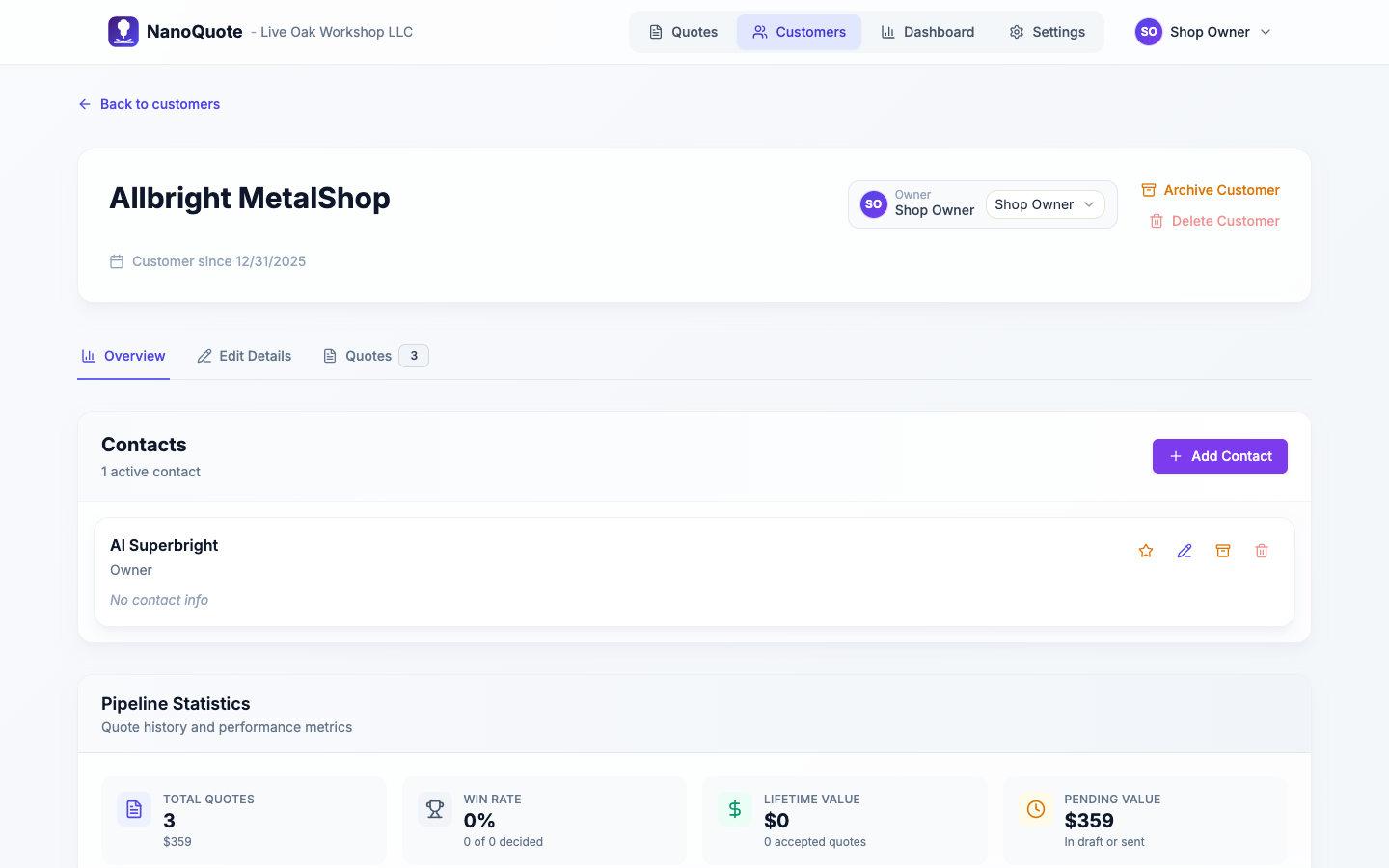
Tabs and sections:
- Overview: contacts and pipeline stats.
- Edit details: company info, contact info, addresses, website, terms, and discounts.
- Quotes: quote history for this customer.
Notes:
- Customer notes appear on all tabs.
- You can archive a customer, and delete only if there are no quotes.
- Customer-specific terms override the organization defaults.
Customer discounts
Set default discount percentages for each customer in the Edit details tab under the Discounts section:
- Parts Discount: percentage off the parts/materials subtotal
- Services Discount: percentage off the services subtotal
- Shipping Discount: percentage off shipping & handling
- Exempt from shop minimum: if checked, quotes for this customer won't have the shop minimum adjustment applied
How customer discounts work:
- Discounts are stored as percentages (e.g., 10% = 10)
- When creating a new quote for a customer, their discount percentages and shop minimum exemption are automatically copied to the quote
- Discounts can be adjusted per-quote without affecting the customer's default rates
- Discount amounts are calculated and shown on the quote overview
Example: A customer with a 10% parts discount and 5% services discount will have those percentages pre-filled on every new quote created for them.
Linking customers to quotes
When creating a quote, you can:
- Select an existing contact (recommended), or
- Enter a customer name/email manually.
On an existing quote:
- The Overview tab includes a Change action to switch the customer/contact if the quote is editable.
Next: Customer quote page